

ACCURATE, SAVE TIME, OPTIMIZE
- Intuitive 3D design for any steel connection
- Code checks to AISC, EN, IS, AS, GB, HKG, and more
- 250+ ready-to-use templates, including parametric options
- Supports axial, shear, and moment loading
- Advanced analysis for stiffness, buckling, capacity design, fatigue, and more
- Customizable reports with sketches
STEEL CONNECTION DESIGN OF ANY COMPLEXITY
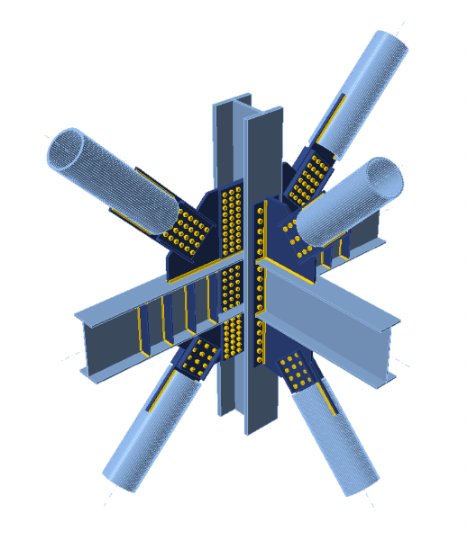
SAFELY DESIGN ANY STEEL MEMBER
- Safely analyze and design steel frames, beams, and columns in minutes
- Remove the guesswork from buckling lengths and better understand stability, torsion, and warping behavior
- Produce clear, detailed design reports with ease
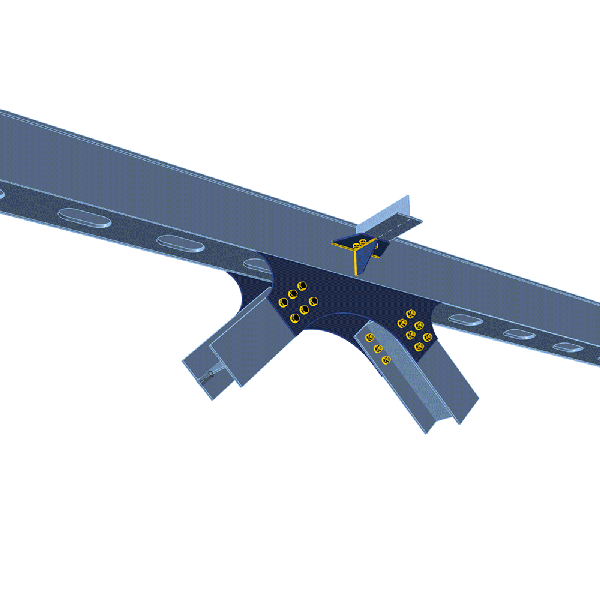
FAST CONNECTION DESIGN
connections of any complexity with:
- 10,000+ connection configurations and parametric templates with savable Company Sets
- Connection Wizard for fast setup of geometry and materials
- Connection Library with over 1 million real-world joints to adapt and reuse
- Advanced checks and exportable reports with detailed equations and visuals
- Cross-app interoperability for anchor design in reinforced concrete
Design any steel connection, from simple to complex. Build from scratch, import from CAD or FEA software, or leverage parametric design to define dependencies. Apply loads, visualize force flow, and generate complete sketches and code-check reports. Connection includes:
- Moment, shear, axial, and seismic connections
- Beam-to-beam, beam-to-column, column-to-column connections, and base plates
AVOID OVERDESIGNED CONNECTIONS
- Prevent oversizing by checking all joints early, not only the critical ones
- Share accurate, actionable connection data with detailers
- Optimize material use before fabrication to reduce both cost and carbon emissions
Member Design:
SAFELY DESIGN ANY STEEL MEMBER
- Stability Issues
- Eliminate the need to estimate buckling lengths, stiffness of connections or the effects of local section inconsistencies
- Accurately analyze highly stressed columns, roof girders, heavy industrial members, and lightweight bridge segments
- Suitable for both standard and non-standard design cases
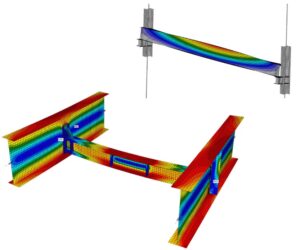
2. Cold Form Sections
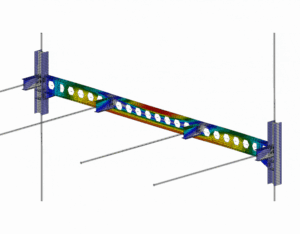
- Analyze thin-walled sections used in roof purlins, floor beams, girts, and facade framing
- Perform detailed member analysis of thin-walled sections with full graphical control of member behavior and stability checks, including the influence of imperfections through advanced GMNIA
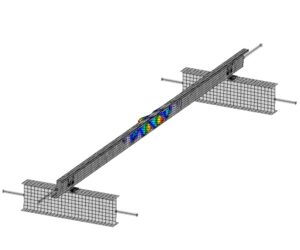
3. Frames and Subframes
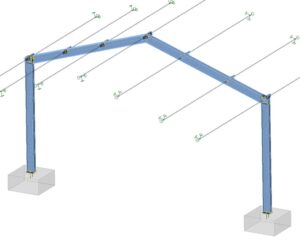
- Cost-effectively design hall structures, including stability analysis of individual frames or subframes
- Evaluate the spatial stiffness and overall stability of the structure in your FEA software, then complete detailed stability checks in Member for selected subframes
- Assess the impact of frame corner stiffness on roof beam stability, as well as the stability of bracing system columns and roof purlins
4. Strengthening Structures
- Account for any changes in loading or structural details in existing structures
- Move beyond conventional methods that do not deliver sufficiently accurate results
- Eliminate the need for simplifications and estimates
- Gain full confidence in your design through advanced nonlinear analysis
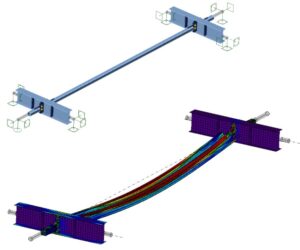
Complete analysis in 3 Steps
- 3D shell models of the analyzed members
- Detailed connection modeling with real stiffness and bearing capacity
- Stress and strain calculation for a selected member using the CBFEM method
- Materially nonlinear steel models with plasticity and plastic strain limits
2. Linear Buckling Analysis
- Review buckling mode shapes directly in 3D
- Display critical load factors and define initial imperfection values
- Perform linear buckling analysis to determine critical load factors
- Consider buckling of the entire member and slender member plates through combinations of multiple buckling modes
3. GMNIA analysis
- Geometrically and materially nonlinear analysis with defined initial imperfections
- Account for imperfections from the previous step together with material and geometric nonlinear behavior
- Perform fire design considering material degradation based on user-defined temperatures during analysis
SOLVE THE CRITICAL STEEL MEMBER
Parametric Design:
Faster connections with Parametric Design
Eliminate repetitive modelling errors by using parametric design in IDEA StatiCa, where you define the geometry, members, and operations a single time. When an input is adjusted, the model automatically rebuilds itself:
- Start quickly using more than 200 validated, pre-defined templates
- Define your own rules, dependencies, and validation checks for complete control
- Reduce dozens of manual steps to just a few key inputs
- Enable safe collaboration between senior and junior designers
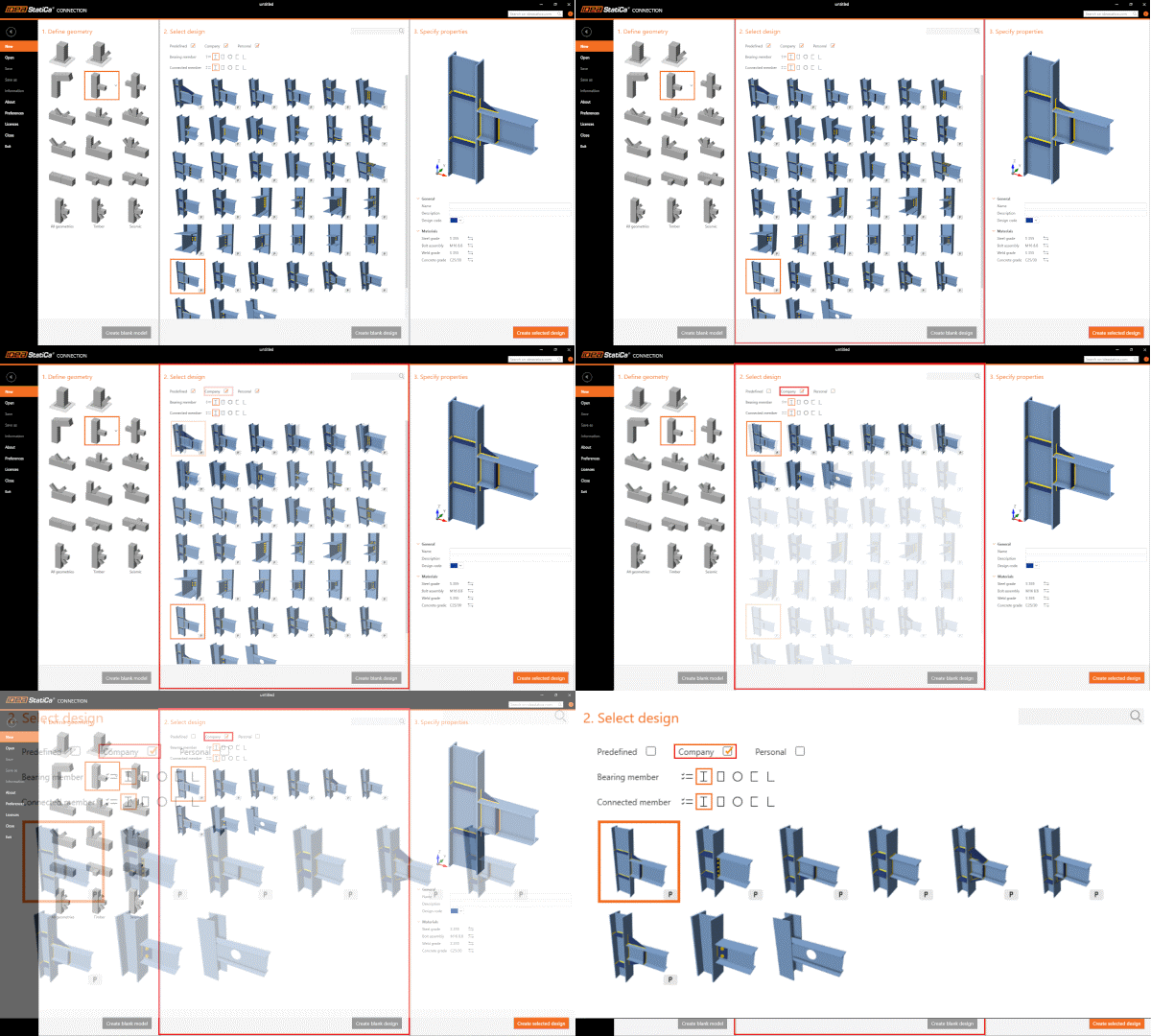
STANDARDIZE WITH COMPANY SETS
- Limit designs to approved connection types
- Tag and organise designs for quick reuse across projects
- Maintain quality through senior engineer–approved templates
- Promote validated templates as the company standard
ADAPT TEMPLATES TO ENSURE SAFETY
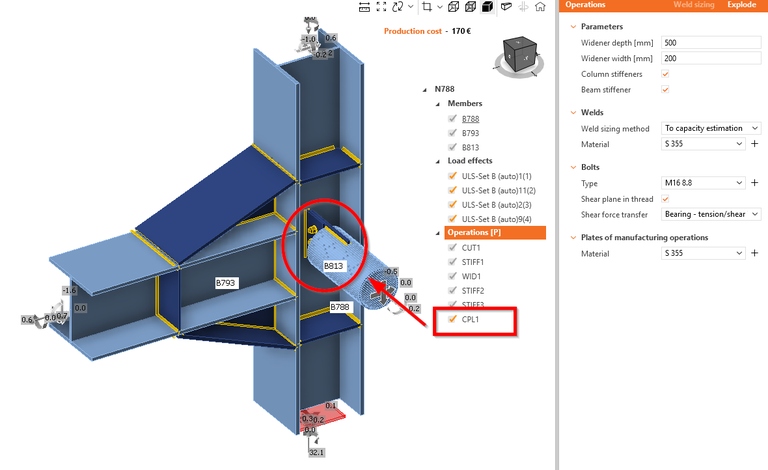
Avoid unnecessary or risky oversimplification. Simply open a template, add what is missing, and maintain model compliance without the need for workarounds:
- Insert stiffeners, welds, or cuts without disrupting the model
- Combine templates with custom members, bolts, or plates
- Handle irregular geometry within a single editable template
- Manage late changes without rework or splitting nodes into separate checks
SEAMLESS STEEL DESIGN
- Easily map materials and cross-sections
- Track imported items and view their check status directly in the 3D scene
- Design multiple connections simultaneously
- Analyse critical load combinations to avoid unnecessary overchecking
The Malaysian Prime Minister’s Office Dome assessment, Putrajaya, Malaysia
